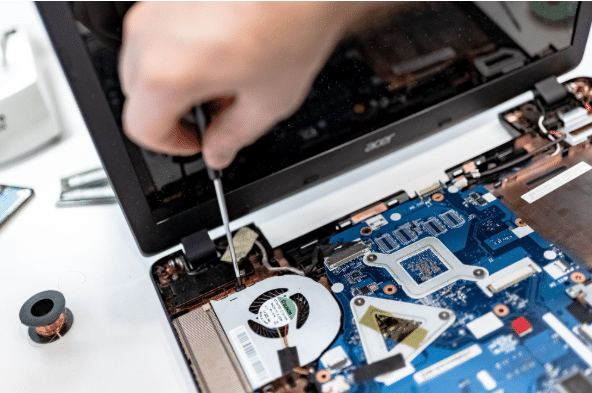
How Long Business Computers Last and When to Replace Them
Summary: Three to five years is a practical replacement range for many business computers. The right time depends on security support, reliability, performance, warranty coverage,

Summary: Three to five years is a practical replacement range for many business computers. The right time depends on security support, reliability, performance, warranty coverage,

Summary: Your IT budget should include the technology you already use, the support required to maintain it, and the upgrades you expect to make during
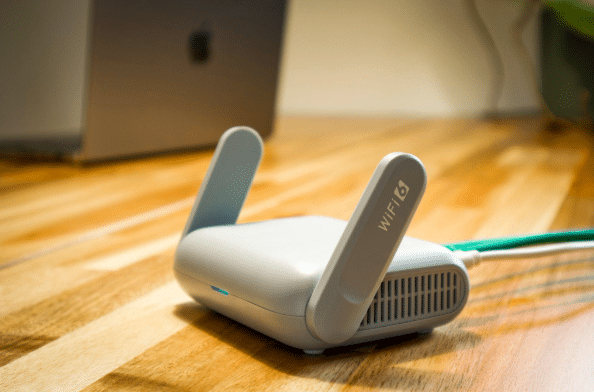
Summary: Guest Wi-Fi should provide internet access while blocking connections to your internal business network. A different Wi-Fi name and password do not confirm that

Summary: Before canceling a cloud service, export your data and confirm that the files can be opened or imported. Move any connected applications and sign-ins,

Summary: Allow personal devices only for approved work, through approved apps, and when the device meets your security requirements. Use company-owned devices for administration, sensitive

Summary: Employees should use standard accounts for email, web browsing, and everyday work. Administrator access should be limited to approved IT tasks and protected with

Summary: Most IT problems don’t appear out of nowhere. Backups quietly stop running, updates sit unfinished for weeks, and old staff accounts stay switched on

Summary: The tools that run your business, like Microsoft 365, your accounting app, or your booking system, are reliable most of the time, but they

Summary: If your business uses Microsoft 365, you have both OneDrive and SharePoint, and files usually end up scattered across them with no clear rule.